Quellow
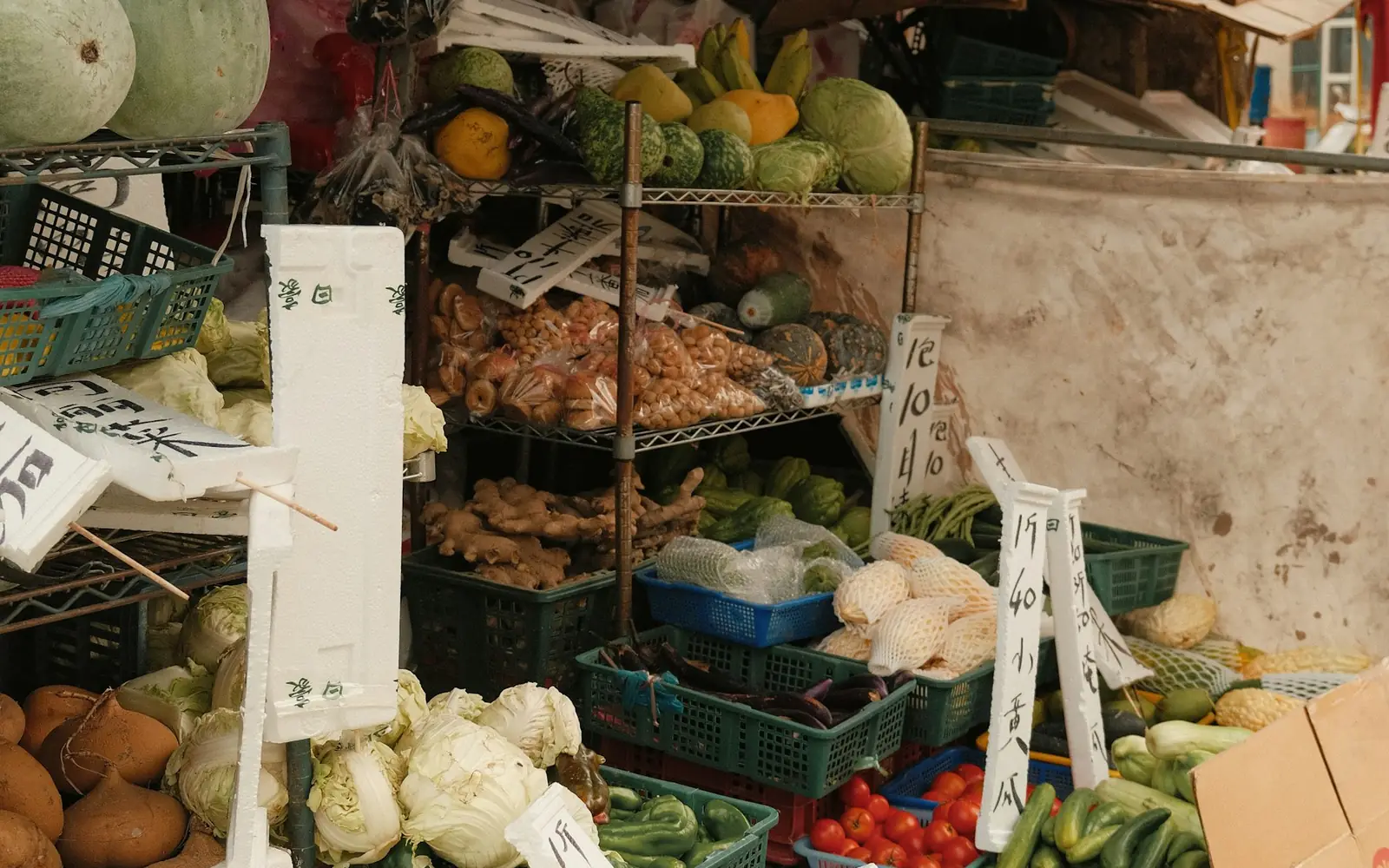
Every restaurant operator knows the balancing act. Order too much and it spoils. Order too little and you 86 your best seller at 7 pm. Most kitchens solve this with experience and a walk through the walk-in. That works, until it doesn't.
A little data takes much of the guesswork out of it.
Why stock goes wrong
The causes are usually simple:
- Orders are based on memory rather than sales
- Counts happen too rarely to catch problems
- Nobody knows how much each dish really uses
- Sales from kiosks, phones and websites don't reach the stock count
- Old stock gets buried behind new deliveries
Start with recipes
To know what you've used, you need to know what goes into each item. Start with your top 20 sellers, since they usually account for most of your ingredient use. For each, note the amounts for each size and option. A large latte with oat milk should use more oat milk than a small one, and none of the dairy.
In Quellow Inventory, once items are linked to recipes, each sale removes the right amounts automatically.
Count every channel
A forecast is only as good as its data. If the register updates stock but kiosk and online orders don't, the numbers drift. Quellow draws from the same stock across POS, kiosk, phone and web orders, so you aren't reconciling different systems.
Forecast from your own sales
You don't need anything exotic to forecast well. Recent sales, by item and weekday, get you most of the way there. Quellow's forecast is plain arithmetic from your stock ledger, which makes it easy to trust and check. AI only explains the results in plain words.
The Stock Keeper then tells you what will run out and when, and drafts an order. You approve it, because purchase orders always wait for a person.
Reduce waste day to day
Forecasting helps most when paired with good kitchen habits:
- First in, first out. Put new stock behind the old.
- Date everything. Quellow can track expiry dates on dated stock.
- Track waste. Record what gets thrown out and why.
- Prep to demand. Use forecasts to size morning prep.
- Plan specials. Turn stock that's close to its date into a daily special.
Know which dishes earn their place
Not every popular item is profitable. The Menu Profit Advisor looks at 90 days of orders on every channel and compares popularity with margin. Items that sell well and earn well can be featured, while those that do neither may need a new price or a new recipe, or should come off the menu.
Avoid the "sold out" surprise
Running out is less painful when customers don't discover it after ordering. The Stock Keeper can mark items as sold out as ingredients run out, and bring them back when stock returns. Your kiosk, website, phone agent and menu boards then stay accurate without anyone running around.
A 30-day plan
- Week 1: Set up your top 20 items and their recipes.
- Week 2: Do one full count, and let sales update stock.
- Week 3: Compare forecasts with your usual orders.
- Week 4: Use forecasts for your perishables.
Don't aim for perfection. Even a modest reduction in over-ordering goes straight to your margin, because it's money you never spent.