 Quellow
Run Every Table From One Screen.
Seat guests on your floor plan, fire orders straight to the kitchen display, split checks by seat or item and close out with tips — on the same menu your AI phone agent and kiosks already use.
From Hello to Paid in Four Steps
Seat the table
Tap a table on your floor plan, enter the party size and a check opens.
Take the order
Add items with sizes and modifiers, assign them to seats and add notes.
Send to the kitchen
Orders appear on the kitchen display, colour-coded by how long they've waited.
Split & pay
Split by seat, item or evenly; take cash, card or both and add a tip.
Everything Restaurants POS Needs
The tools you expect from a modern point of sale, connected to the rest of Quellow.
Floor plan
Drag tables into place by section. See who's seated, how long and what they've spent.
Open checks
Keep tabs open, move checks between tables and merge them back together.
Kitchen display
Every Send becomes a ticket. Bump when it's ready, recall if you need it back.
Seats & coursing
Ring items to a seat so splitting the bill later takes one tap.
Split checks
Split by seat or item, or split the balance evenly in exact cents.
Tips & auto-gratuity
Suggested tip percentages, plus an automatic service charge for large parties.
- ✓ Comps and voids with reasons
- ✓ Line and check discounts
- ✓ Printed guest checks and receipts
- ✓ Cash drawer with paid in / out
- ✓ End-of-day sales summary
- ✓ Server-level sales and tips
Made for Businesses Like Yours
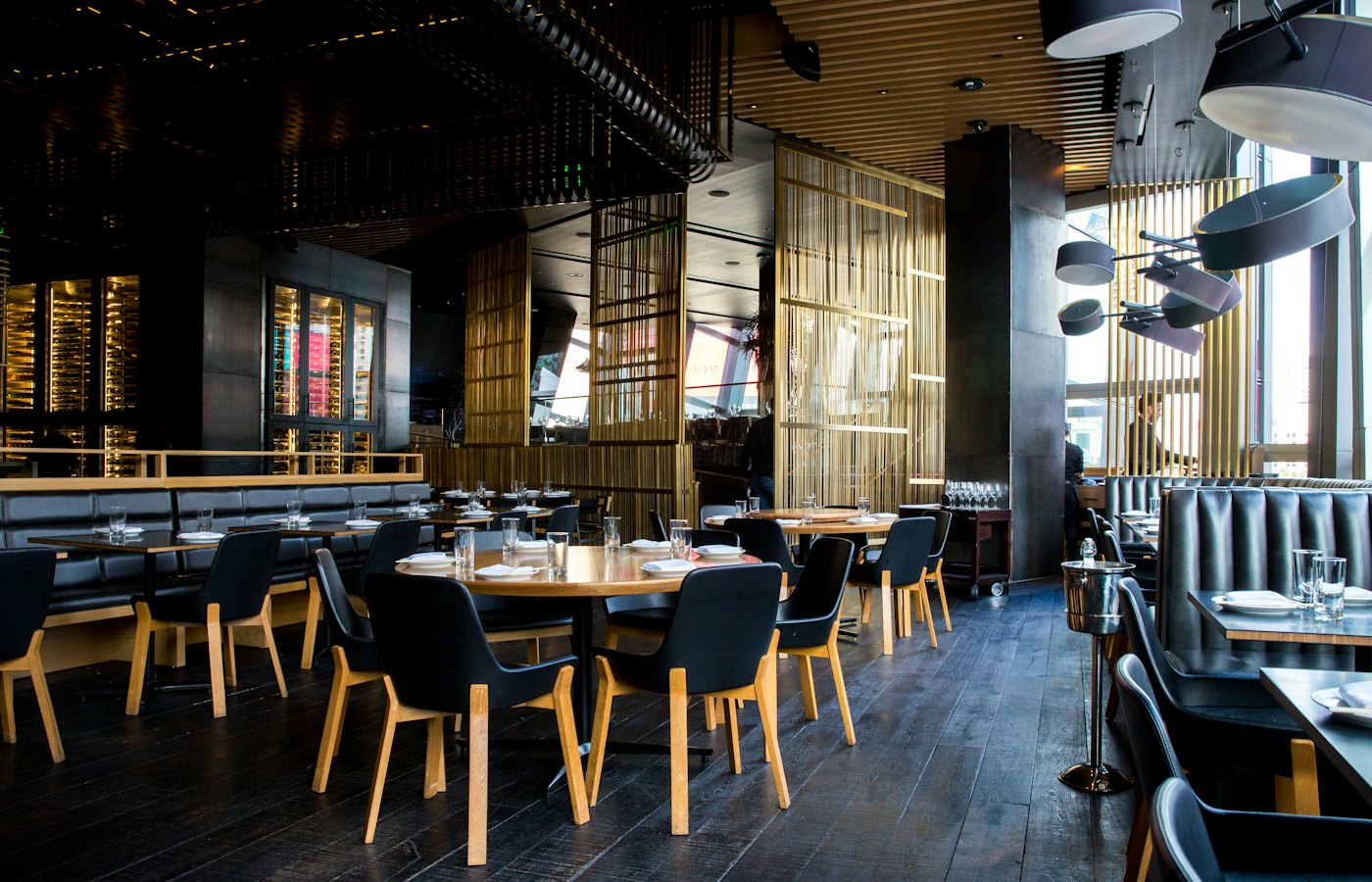
Full service
Tables, seats, courses and checks.

Cafés
Fast counter service with modifiers.
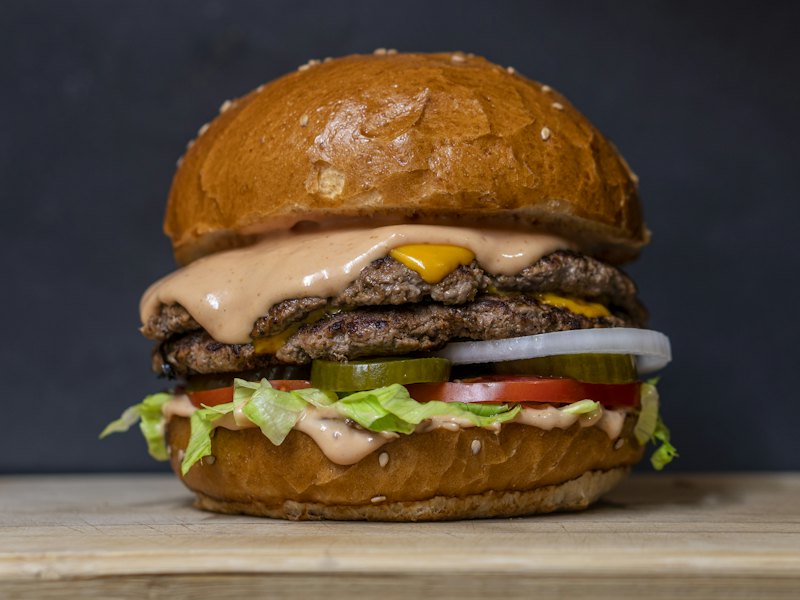
Quick service
Takeout tickets straight to the kitchen.
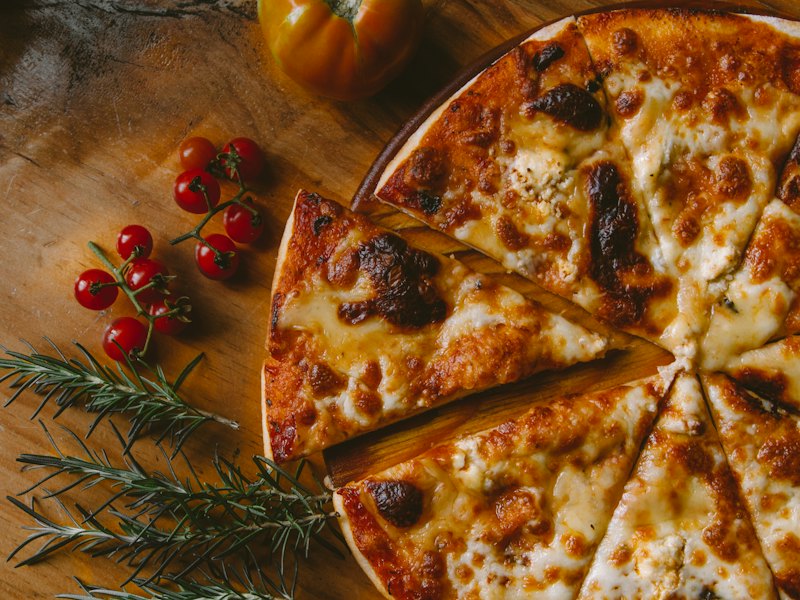
Bars
Open tabs that stay open all night.
Your POS, Phone Agent and Kiosks Share One Catalog
Change a price or mark something unavailable once and it updates everywhere: at the counter, on the kiosk and on the phone.
- ✓ One menu, product list or service catalog
- ✓ Sales from every channel in one dashboard
- ✓ Works on any tablet, laptop or desktop browser
Common Questions
Does it use the menu I already have in Quellow?
Yes. The POS sells from the same menu as your AI phone agent and kiosks, including sizes, modifier groups and required choices.
How does the kitchen get orders?
Tap Send on a check and the items appear on the Kitchen screen, which you can open on any tablet or screen in the kitchen. Each round of a check shows as its own ticket.
Can guests split the bill?
Yes. Move a seat or chosen items to a new check, merge checks, or split the remaining balance evenly and take each share separately.
How do card payments work?
Run the card on your existing card terminal and record it in Quellow with the card brand and last four digits. Cash, card and other tenders can be mixed on one check.
Can I add an automatic gratuity?
Yes. Set a party size and percentage and it's added to large parties automatically, or add a service charge to any check.
Ready to Ring Up Your First Sale?
Create your Quellow account, add your menu and open the register.
- ✓ Runs in the browser
- ✓ Uses your existing card terminal
- ✓ Cash drawer and reports included