Quellow
A restaurant website has a simple job: tell people what you serve, when you're open and how to order. Yet many sites fail at this, usually because the menu is an old PDF that nobody can update.
AI website builders have made a good site far easier to get. Here's how to do it in an afternoon with Quellow's website builder.
What your restaurant website must include
Before the design, get the essentials right:
- Your menu as real text, not a photo
- Hours, including holidays
- Address, map and parking information
- A phone number that can be tapped
- An obvious order or booking button
- Pages that load quickly on a phone
Most visitors will arrive on a phone, often while deciding where to eat right now.
Step 1: get your menu in
Upload a photo or PDF of your menu, or link to your existing menu page. Quellow reads it and turns it into categories, items, descriptions and sizes. You check everything before anything is saved.
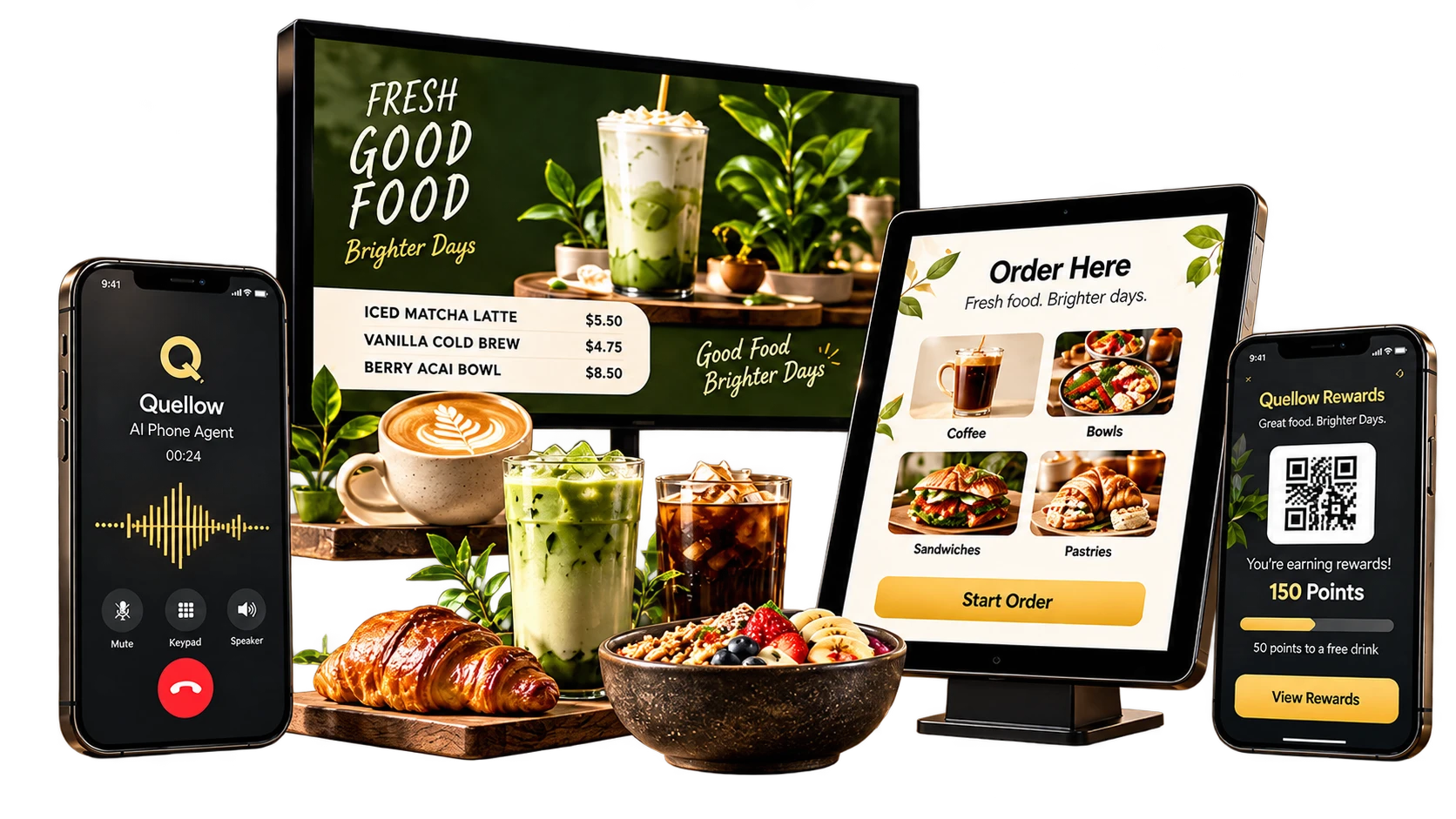
This step matters most, because the menu becomes your single catalog. The same items power your site, register, kiosks and phone agent.
Step 2: pick a look
Choose from templates and preview each one with your own name, logo, colors and menu. Seeing your own food on a design is much more useful than imagining it over a stock template.
Step 3: let AI write the first draft
Answer a few questions about your place and the AI writes the site in your words. It takes about a minute. Treat it as a first draft: add your own stories, your family history, the reason for the name. Those details are what make a site feel like yours and help it stand out in search.
Step 4: turn on ordering
Switch on pickup or delivery so customers can order directly. Orders land in the same queue as your register and kitchen. Read why this matters in direct online ordering vs. delivery apps.
Step 5: connect your domain
Connect a domain you own, and Quellow walks you through the steps for your registrar. Nothing goes live until you press publish, and every save is kept, so you can roll back to an earlier version.
Step 6: basic local SEO
A new site won't rank itself. After publishing:
- Claim and complete your Google Business Profile.
- Link to your website from the profile and all social accounts.
- Keep your name, address and phone number identical everywhere.
- Mention your neighborhood naturally in your page copy.
- Ask happy customers for reviews.
Quellow pages include titles, descriptions, sitemaps and structured data, so the technical basics are covered.
The advantage of a connected site
A site that shares your catalog never drifts out of date. Sell out of the special and it disappears. Change a price and it's correct everywhere. Many restaurants pay for a site that's stale within months, simply because updating it was one more job. Here, it isn't a job at all.
Your afternoon checklist
- Menu imported and checked
- Design chosen
- Your own story added to the draft
- Ordering switched on
- Domain connected
- Google Business Profile updated
Then publish it, and order something from your own site to test it.