Quellow
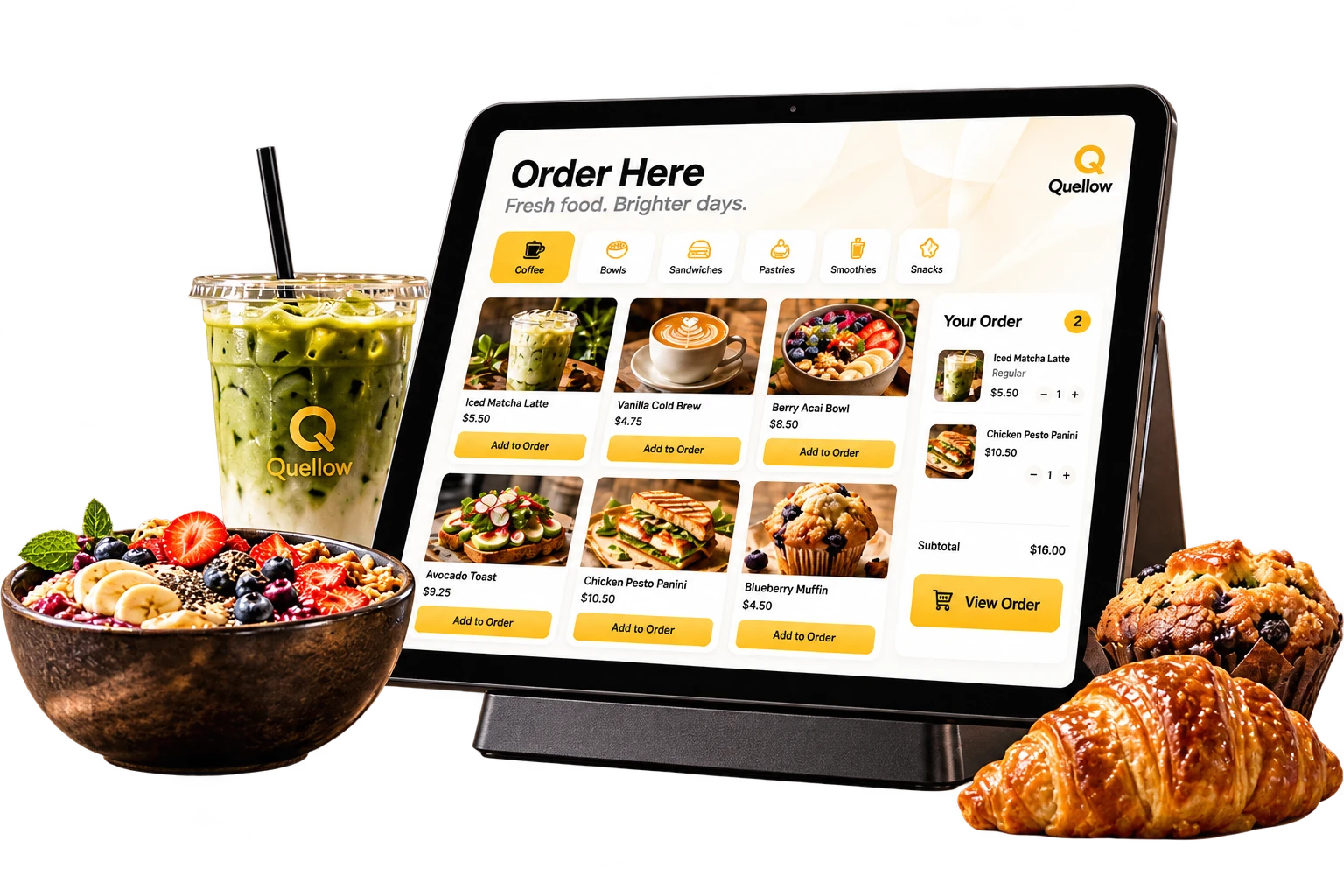
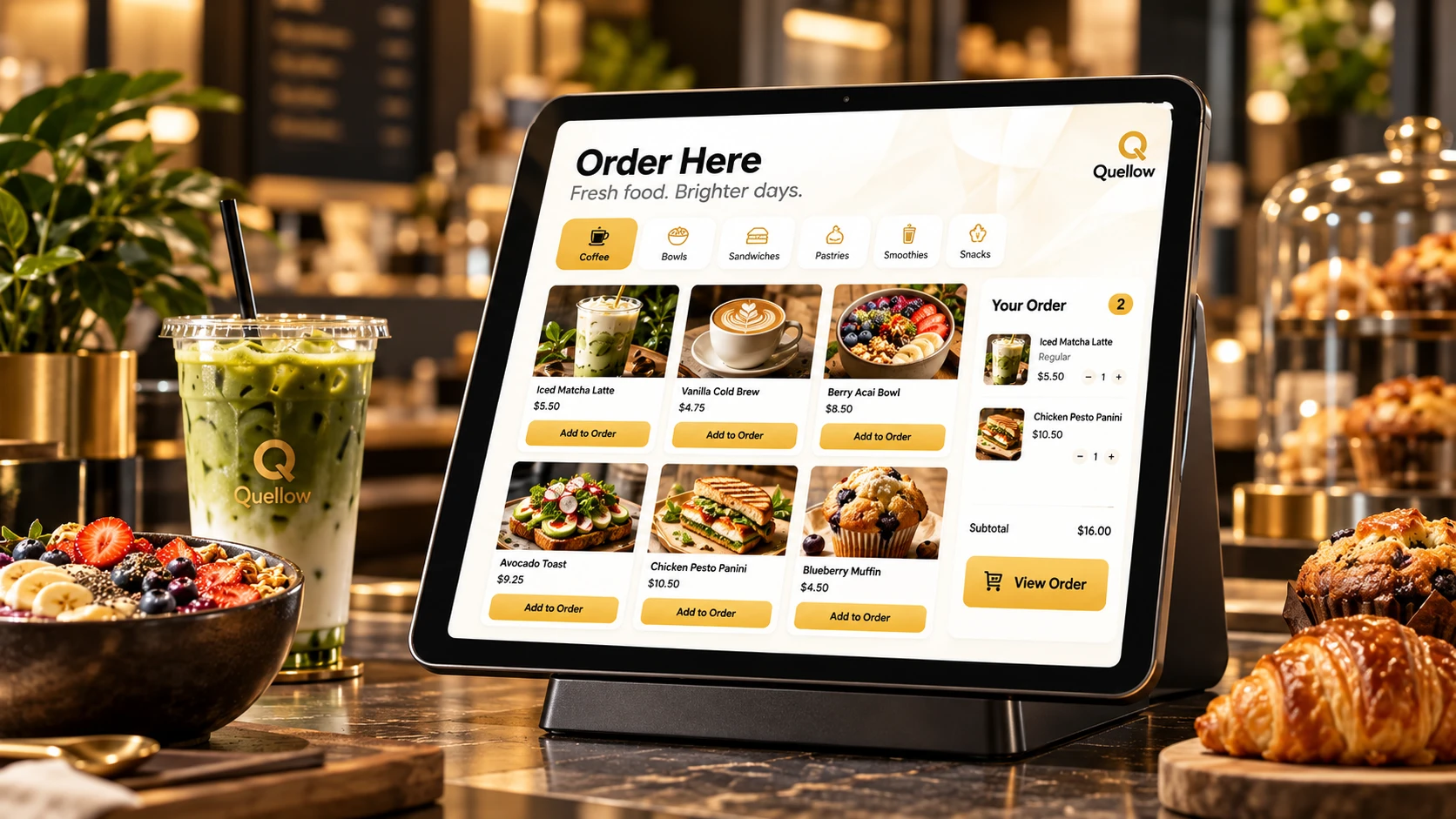
Self-order kiosks used to be for national chains with big budgets and custom hardware. Now, a regular iPad or tablet on your counter can do the same job. For cafés, quick-service restaurants and food halls, that makes kiosks a real option.
What a self-order kiosk does
A guest browses the menu, picks their options, pays and gets an order number. The order goes straight to the kitchen. Your staff are free to make the food and look after guests, rather than taking every order.
Three reasons owners add kiosks
Shorter lines
At peak times, your limit is often how many orders one person can take. Kiosks add capacity with no extra hire, and a line that moves keeps walk-aways down.
Better order accuracy
Guests enter their own choices, which reduces mishearing at a loud counter. Every modifier reaches the kitchen exactly as chosen.
Higher order value
A kiosk suggests add-ons every time, and it never gets tired or shy. Quellow's Upsell Optimizer chooses suggestions from what guests actually buy together, using the last 28 days of kiosk orders, so the suggestions keep improving.
Touch or voice?
Quellow offers two kiosk types, and you can mix them in the same business.
- Touch kiosks ($19 a month each) let guests tap through the menu.
- Voice kiosks ($49 a month each) let guests simply say what they want, with a touchscreen too.
Voice can help guests who find menus slow or awkward to use, and it answers questions about the items. Touch is a good low-cost starting point for a straightforward menu.
Will guests actually use it?
Younger guests tend to take to it right away, while some regulars will always prefer to talk to a person. Keep a staffed option, at least to start. Kiosks work best as an additional choice, not a wall between you and your customers.
Setting one up well
- Placement. Put it where the line forms, and don't block the door.
- Photos. Good images do most of the selling.
- Fewer choices. Keep top-level categories simple.
- Clear pickup. Show guests where to wait.
- Payment. Connect your card reader, and test it.
Connect it to everything
A kiosk that sits outside your systems creates work. Quellow kiosks share one catalog with your register, phone agent and website, so sold-out items and prices stay right. Orders update your stock, and guests can earn rewards with a phone number.
Working out the return
As an illustration only, a kiosk at $19 a month pays for itself if it adds about one extra drink a day at a modest margin. Check your own numbers, but the bar is low, and a tablet you already own reduces the setup cost.
Start with one
Add one kiosk at your busiest counter, and watch for two weeks. Track order value, how often it's used and what your staff say. Then decide whether to add another.