Quellow
For the last few years, using AI at work usually meant typing into a box and copying out the answer. That was useful, but you were still doing the job. You read the reply, you pasted it somewhere, and you remembered to follow up.
Agentic AI changes who does the work. Instead of answering one question, an AI agent takes a goal, works through the steps, uses your business tools along the way, and comes back only when it needs a decision. For a local business, that shift matters more than any new chatbot.
What is an AI agent?
An AI agent is software that does a job from start to finish. It has three things a chatbot doesn't:
- A trigger. It starts because something happened, such as a missed call or a cancelled booking, not because someone typed a prompt.
- Tools. It can read your calendar, check your stock, send a text or draft an order.
- Judgment within limits. It decides the next step, but only inside the rules you set.
Think of a chatbot as a very well-read intern who waits to be asked. An agent is a colleague with a job description.
Agentic AI vs. chatbots vs. automation
Traditional automation follows a fixed recipe: if this happens, do that. It is dependable, but it breaks the moment a customer says something unexpected. A chatbot handles the unexpected wording but can't act on it. An agentic workflow combines the two, understanding what someone means and then doing something real about it.
The best systems don't use AI for everything. Quellow's AI agents use plain arithmetic wherever a number is involved. The stock forecast, the register closeout and the morning brief are calculated in code from your own records, and AI only puts the result into plain words. That is how you get the flexibility of AI without an invented figure on your sales report.
What agentic workflows look like in a local business
Here is a realistic flow for a salon. A client cancels Friday's 2 pm appointment by text. The Appointment Keeper notices the gap and helps fill it, and the owner sees the result in the morning brief. Nobody had to check the calendar or remember who was on a waiting list.
For a café, the chain starts at the register. Each oat latte uses up oat milk. The inventory module updates the count, the Stock Keeper sees that it will run out by Thursday and drafts an order, and if it does run out, the item is marked sold out on the kiosk, website and phone agent together.

Why this is happening now
Three things came together. AI models became good enough at understanding natural speech and messy requests. Voice technology became fast enough to hold a real phone conversation. And business software became connected enough for an agent to act, rather than only advise.
The last point is the one owners tend to miss. An agent can only be as useful as the systems it reaches. If your orders, bookings and customers live in six different tools, an agent can see only a small part of your business. That is one reason platforms are consolidating, which we cover in why local businesses are switching to all-in-one platforms.
How much control do you keep?
This is the right question to ask of any vendor. Autonomy should be a setting, not a surprise. With Quellow, many agents can run in suggest mode, so every proposal waits for your tap. Others, such as a reminder text, can run alone once you trust them. Anything that spends money, like a purchase order, always waits for a person.
Before you adopt any AI agent, ask:
- What can it do without asking me?
- Can I see everything it did?
- Where do its numbers come from?
- What happens when it isn't sure?
- Can I turn it off in one click?
Where to start
Don't try to automate everything in one week. Pick the task you most often forget or dread, then add one agent at a time. For most businesses, that means one of these three:
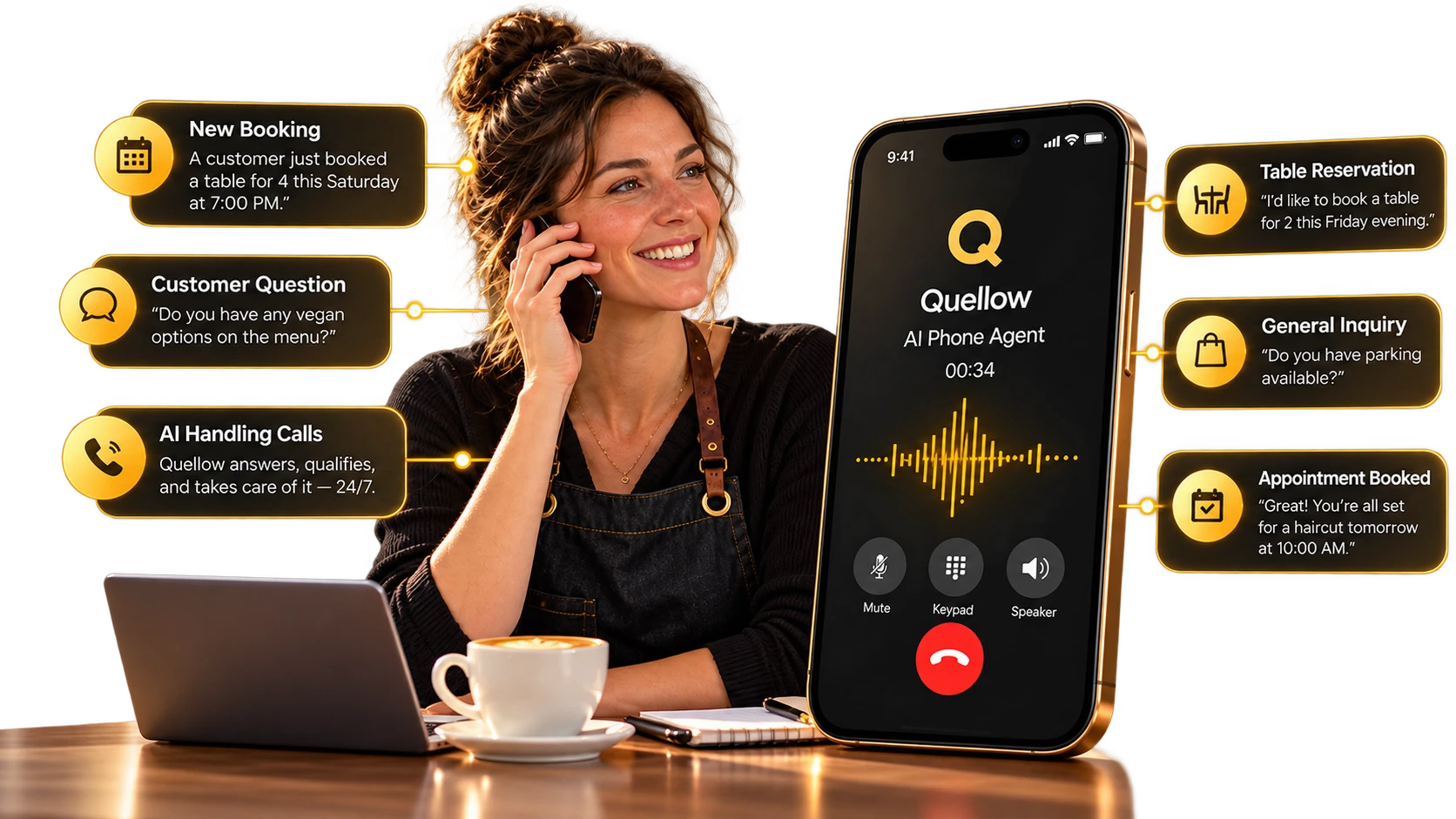
- Answering calls you currently miss
- Replying to new leads quickly
- Sending reminders that prevent no-shows
Each has a clear before and after, so you will know within weeks whether it is working.